Aurora 1.4 is here, and it's the biggest update since 1.2. We're shipping a built-in code editor, proper account security, a file manager that actually works, a complete visual refresh with the new Orion theme, and an onboarding experience that doesn't suck. This isn't a polish pass. This is a rewrite of almost every corner of the panel.
Callisto Code: A Real IDE, Right in Your Browser
Stop me if you've heard this before: you need to edit a config file on your server, so you fire up your SSH client, or you download the file, edit it locally, and upload it back. It's 2026. That workflow shouldn't exist anymore.
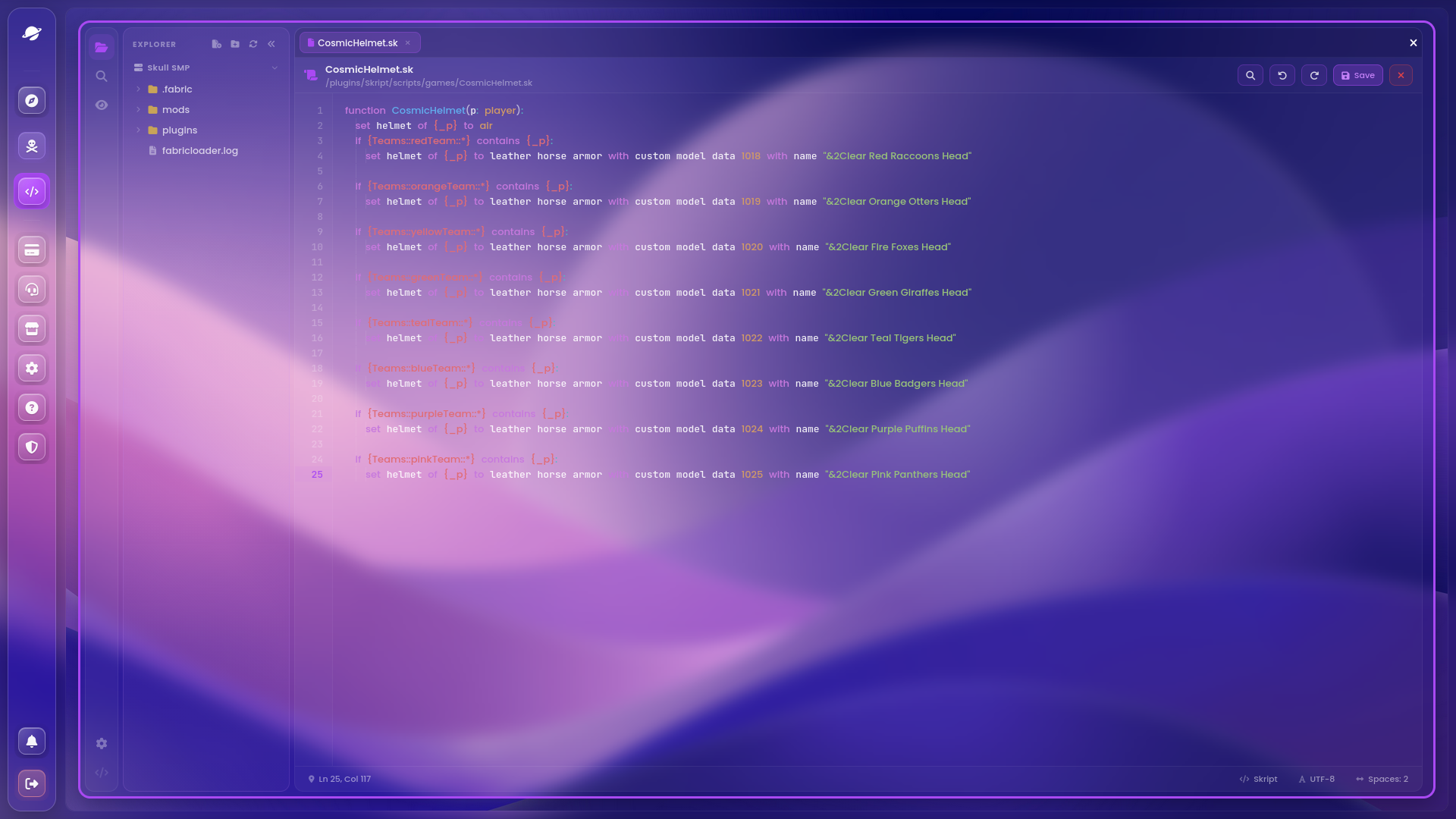
Meet Callisto Code. It's a full VS Code style code editor built straight into Aurora. Open any file on your server, edit it with syntax highlighting, save it with Ctrl+S, and you're done. No SSH. No downloading and re-uploading. No second window.
What's in the box:
- Multi-tab editor with unsaved change indicators
- Syntax highlighting for basically everything (Python, JavaScript, Java, Go, and even Minecraft
.mcfunctionfiles) - Global search across your entire server
- File explorer with drag and drop, create, rename, delete
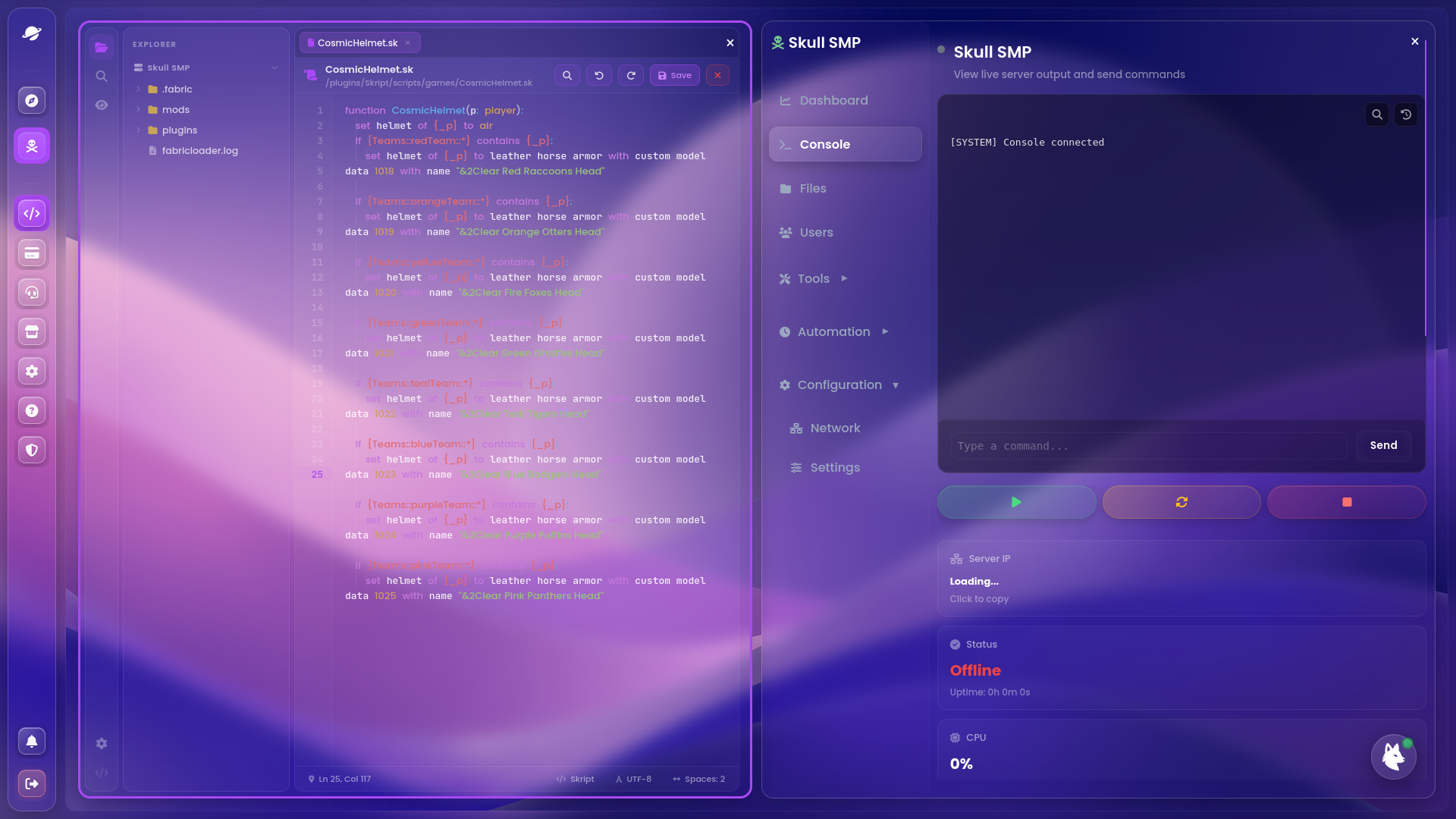
- Build/run targets with live console output
- Session persistence: reopen your last server, folders, and tabs when you come back
And because this is actually built into Aurora, it's fast. No SSH lag. No loading delays. Just instant editing.
Account Security: Rebuilt from the Ground Up
We completely rebuilt account security because the old system had holes. Here's what you get now:
Password Reset: Remember when "Forgot your password?" didn't work? It works now. You get a real reset flow with a branded email and a one-hour link.
Email Verification: New accounts verify their email before logging in. Existing unverified accounts get a verification-pending page with resend (rate limited, so no spam).
Two-Factor Authentication: TOTP-based 2FA with Google Authenticator, Authy, or any compatible app. Enable it in Settings, scan a QR code, get 6 backup codes. It's enforced at login and it works with OAuth too.
Bot Protection: Optional Cloudflare Turnstile integration so bots can't brute force you.
File Manager: Finally Works Like a File Manager
Drag files onto a folder to move them. Drag across empty space to multi-select. Drag files between two servers to copy them directly without zipping or re-uploading.
Want to download a file? Right-click and download. Want to download a whole folder? It zips server-side and downloads with a progress bar.
The folder location persists per server, so when you come back to a server, you're back where you were.
This is what a file manager should do. It does it now.
Notifications & Announcements: Actually Useful
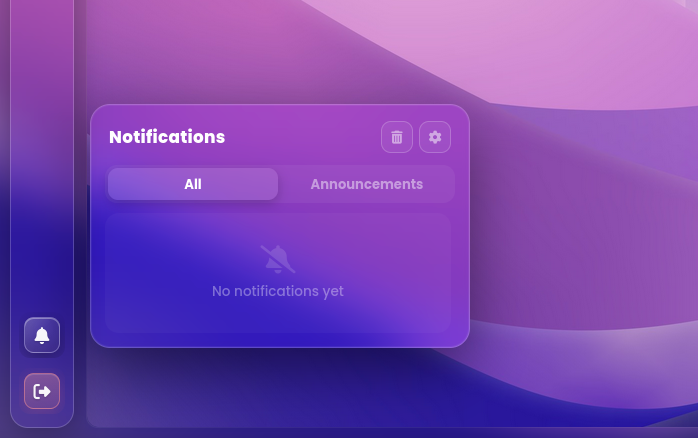
We reworked how the panel talks to you. Those annoying "saved!" toasts that pile up in your notification centre? They're gone. Only things that actually matter (like a server going offline) stick around.
Announcements from the team now show up instantly, even while you're using the panel. They live in their own tab, and they clear themselves out automatically when they expire.
We also added a "what's new" popup for major releases, so you actually know what changed when you see a version bump.
Server status dots let you see at a glance which servers are online, offline, or restarting.
Onboarding: Actually Good Now
First time using Aurora? The new onboarding walks you through it properly.
What we changed:
- Multilingual welcome with a carousel (English, French, Russian, Chinese, Japanese, Korean, Arabic, Greek) that rotates the title of the app in 8 different languages
- Appearance preferences (Dark, Light, Follow System) so you're not stuck with something you hate
- Profile setup with avatar picker (upload a photo, use your initials, or pick an icon)
- Final tips that actually point you to where you need to go (Help, Support, Community)
- Everything persists per user, so you only see it once (unless you really want to redo it)
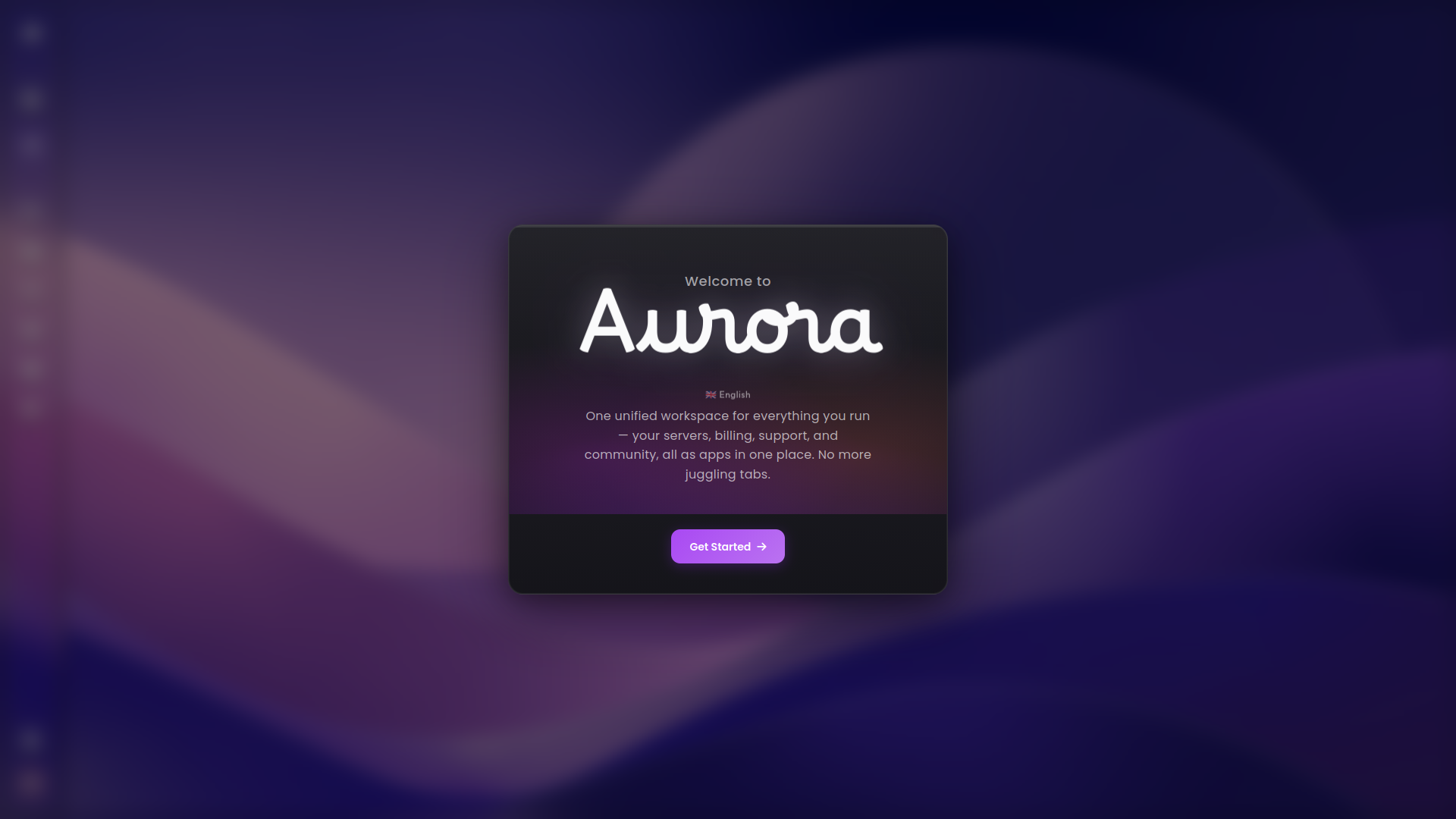
Meet Orion: New Look, New Feel
The entire visual theme got refreshed. New wallpapers, curated colour and gradient presets (Midnight, Deep Space, Twilight, Nebula, Aurora Glow), and a brand new animated aurora background with twinkling stars and drifting light bands.
You can save appearance presets now, so if you nail a look you like, save it and apply it again later.
We also replaced the old popup loading screen with a proper full-screen loader that actually looks the part.
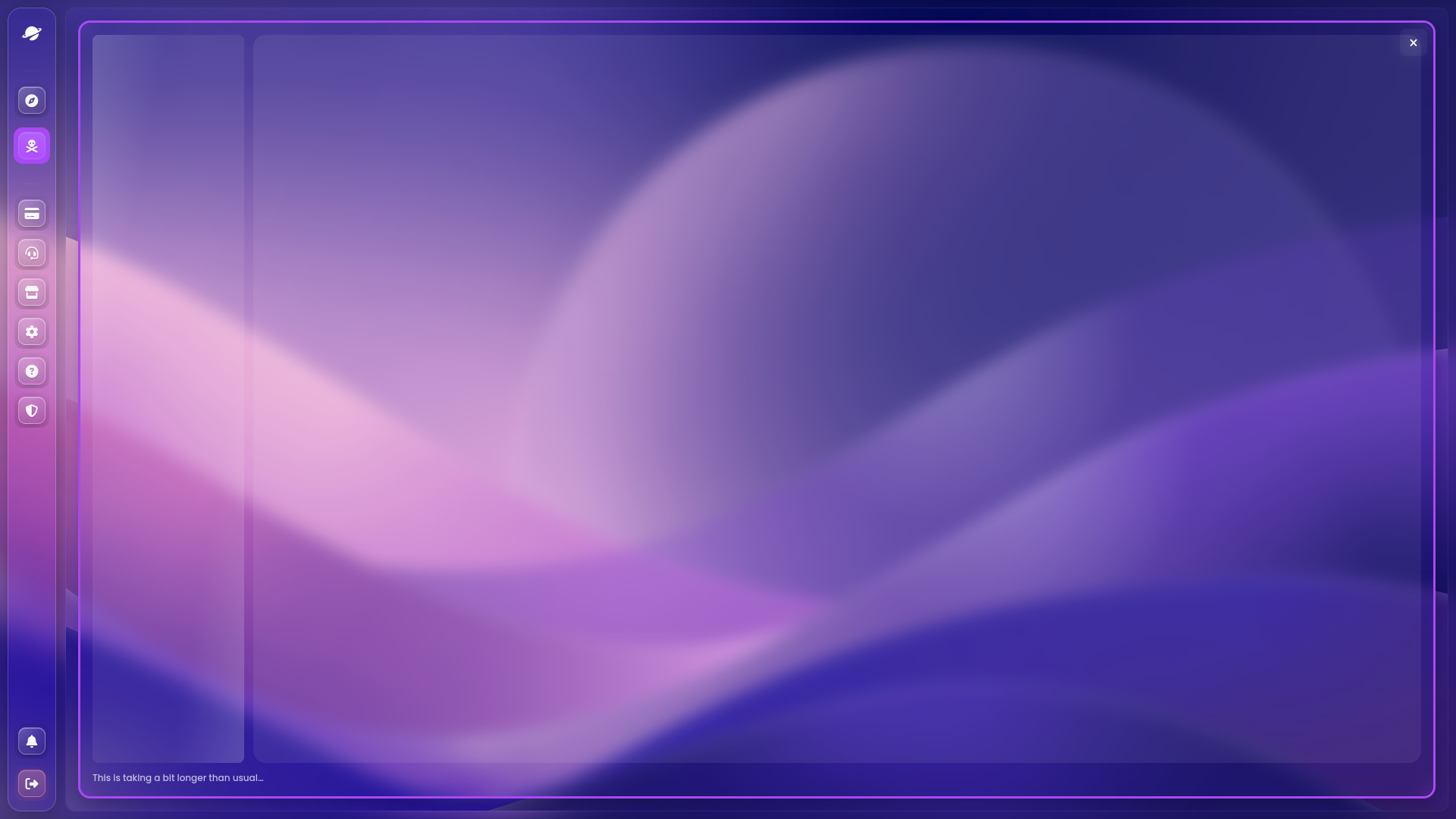
The new Aurora Orion wallpaper ships with 1.4. It's included in the panel, ready to set from the appearance settings.
We also overhauled the Help Centre with a global search, step-by-step guides for common tasks, and a full "coming from Pterodactyl" migration guide with a feature mapping table.
Minecraft Management: Smarter, Faster
The panel now actually knows what you're running. Install Paper? It knows it's Paper. Switch to Fabric? Instant detection. No more guessing what server software is active.
We also check if your mods, plugins, and datapacks are actually compatible with your current setup. Browse the Minecraft library and see at a glance what won't work on your server.
New Network tab for managing ports and subdomains. Set up a free .callisto.host or .exphost.net subdomain for any port, with live previews.
The console got a full rebuild so it stays connected instead of dying every time the connection hiccups. We also rate-limit commands (30 per minute) so you can't accidentally spam yourself offline.
Under the Hood
We restructured the entire backend from one massive file into proper modules. core/auth, core/database, core/routes — all the pieces are separated now. This makes it way easier for us to ship fixes and features without breaking something else.
We also reorganised brand assets, fixed CORS errors, increased transfer timeouts for large files, and killed off a dozen tiny bugs that were individually small but collectively made things suck.
What This Means For You
Aurora 1.4 is about removing friction. You don't need SSH clients. You don't need to download files to edit them. You don't need to wonder if a plugin will work.
The panel finally feels like one cohesive system instead of bolted-together pieces. Everything that worked before still works, but now it works better.
If something breaks, hop into support chat. We're here.
Enjoy Orion.